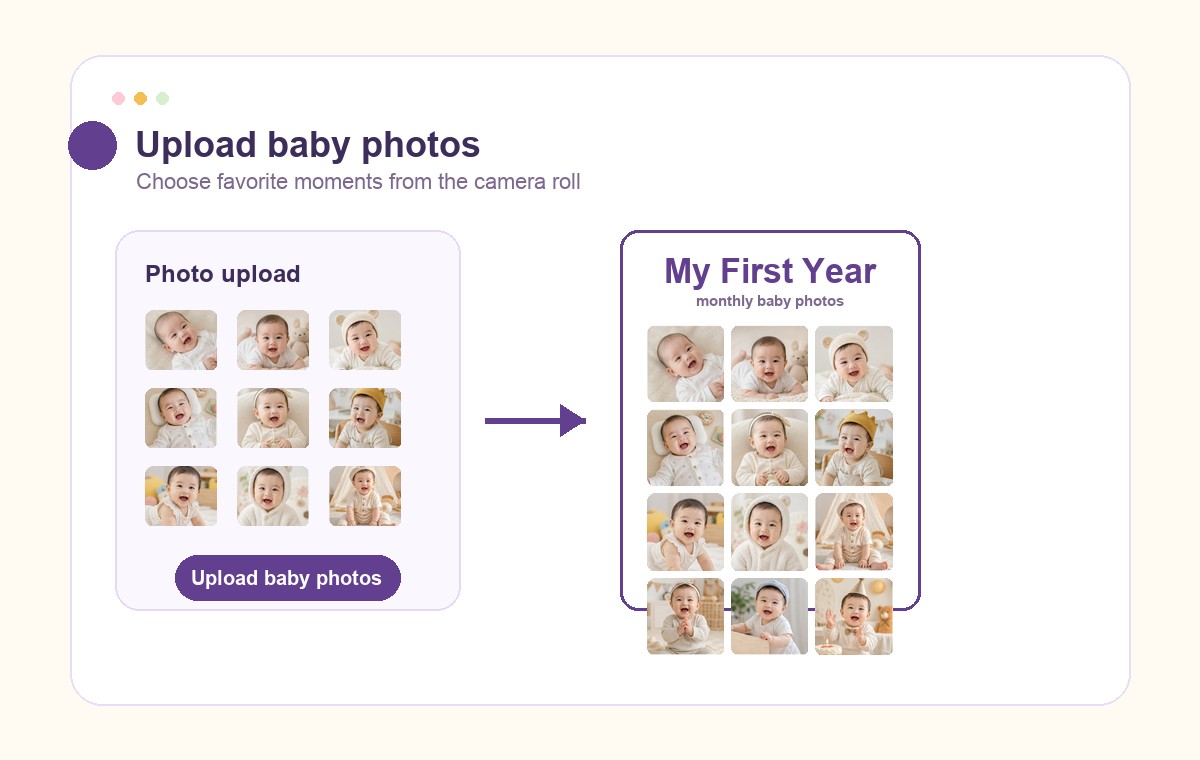
1. Upload baby photos
Import favorite baby photos, milestone shots, and birthday portraits. You can upload more than 12 and choose later.
Upload the photos already on your phone, arrange them by month, and export a printable birthday poster for the table, frame, or family chat.
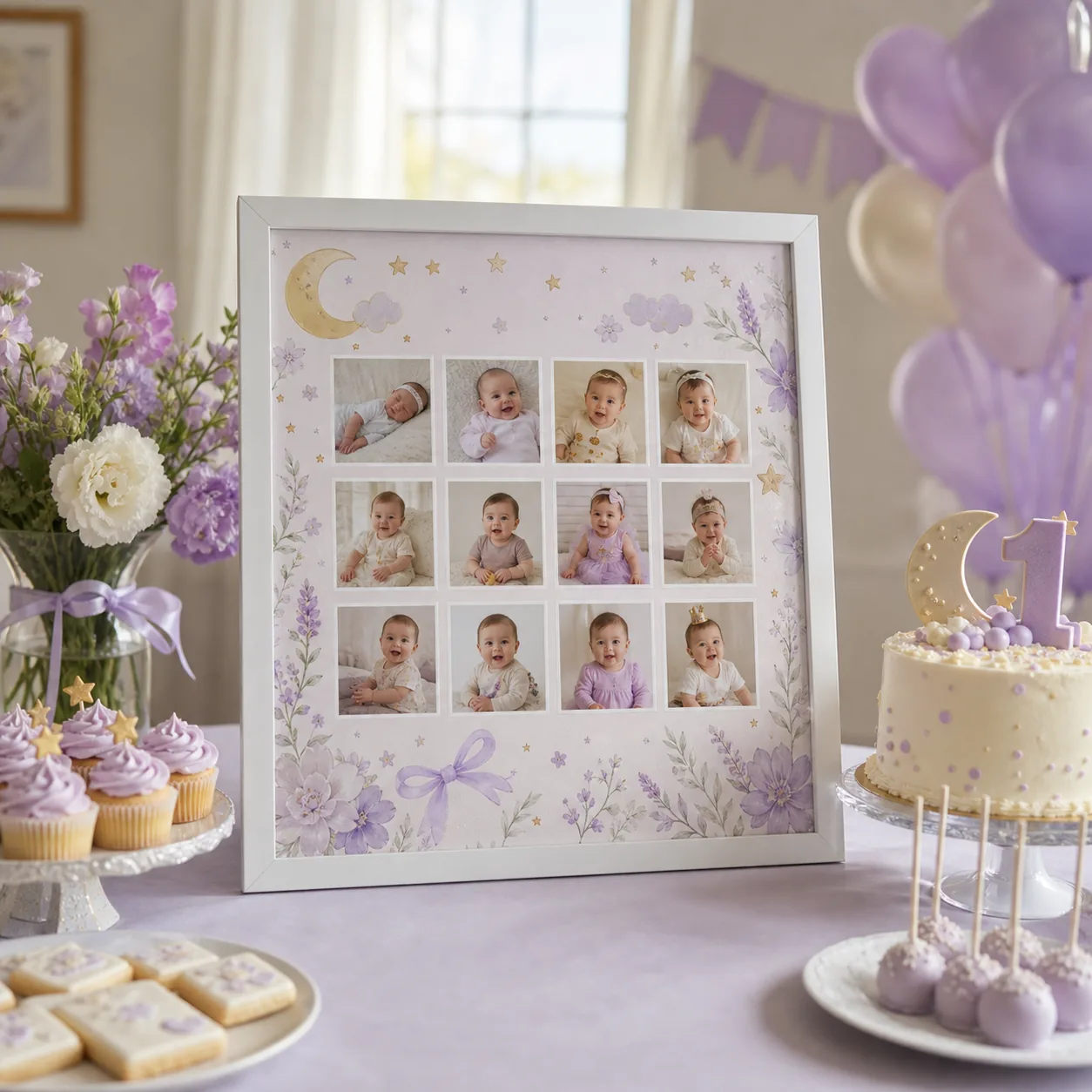
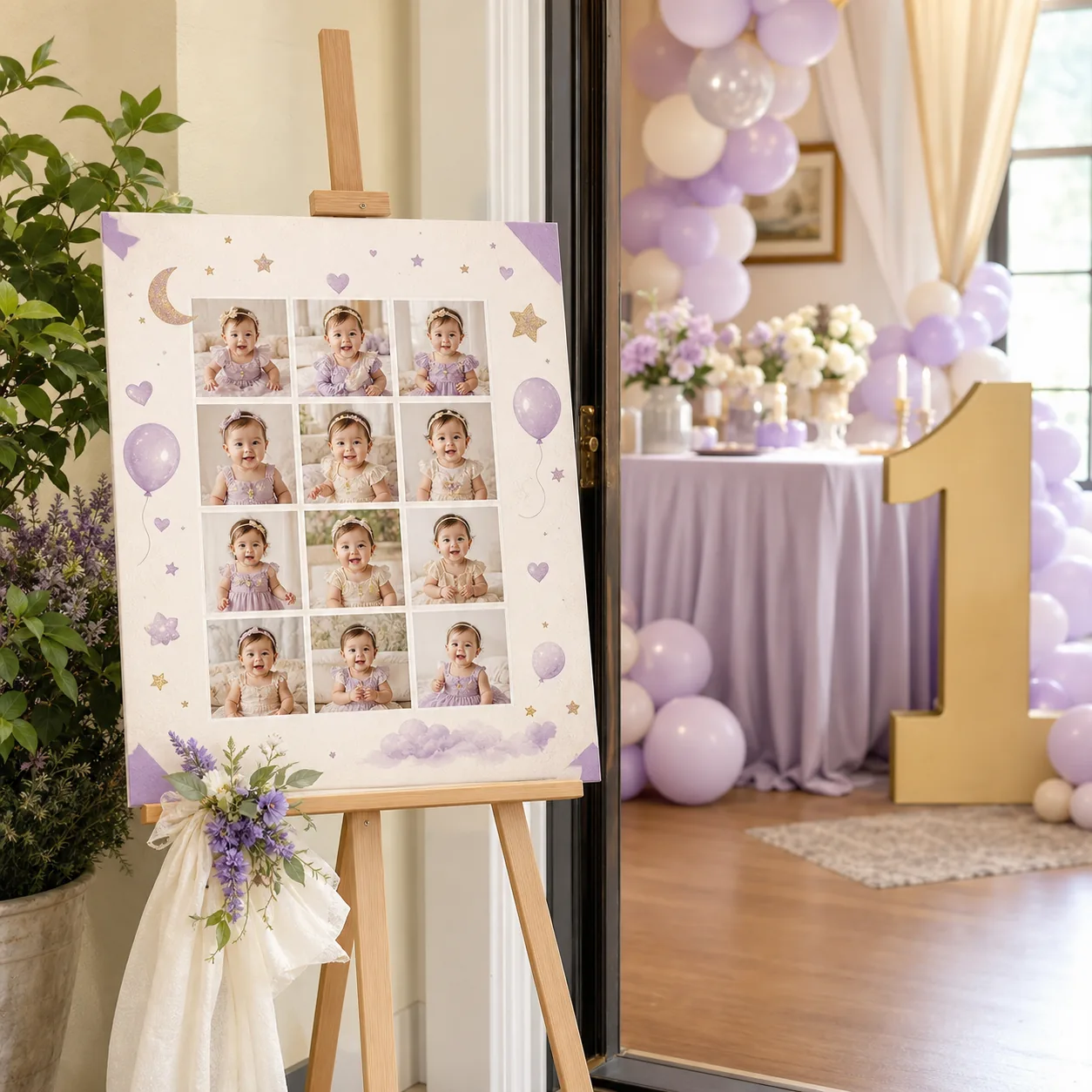
photo planning
No blank canvas. Choose the photos, pick a layout, edit the words, and save one first birthday collage or poster.
Import favorite baby photos, milestone shots, and birthday portraits. You can upload more than 12 and choose later.
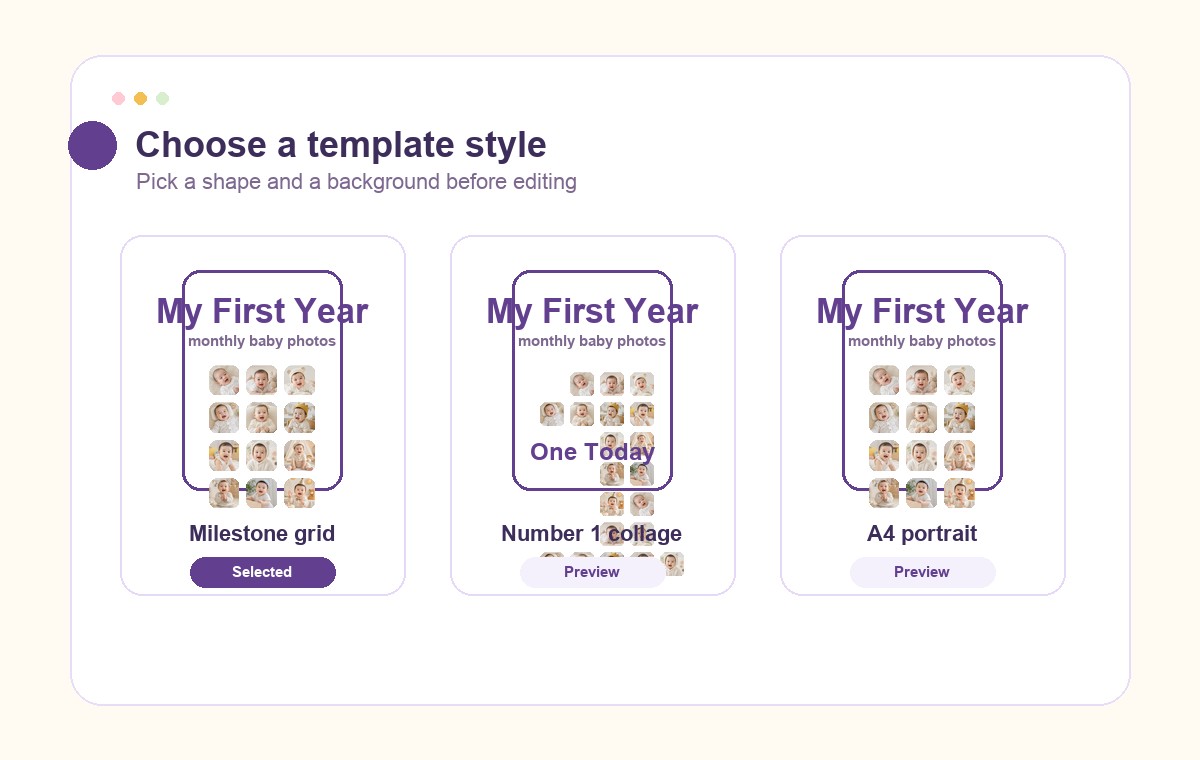
Use a milestone grid, number 1 collage, A4 print layout, phone story size, or widescreen party display.
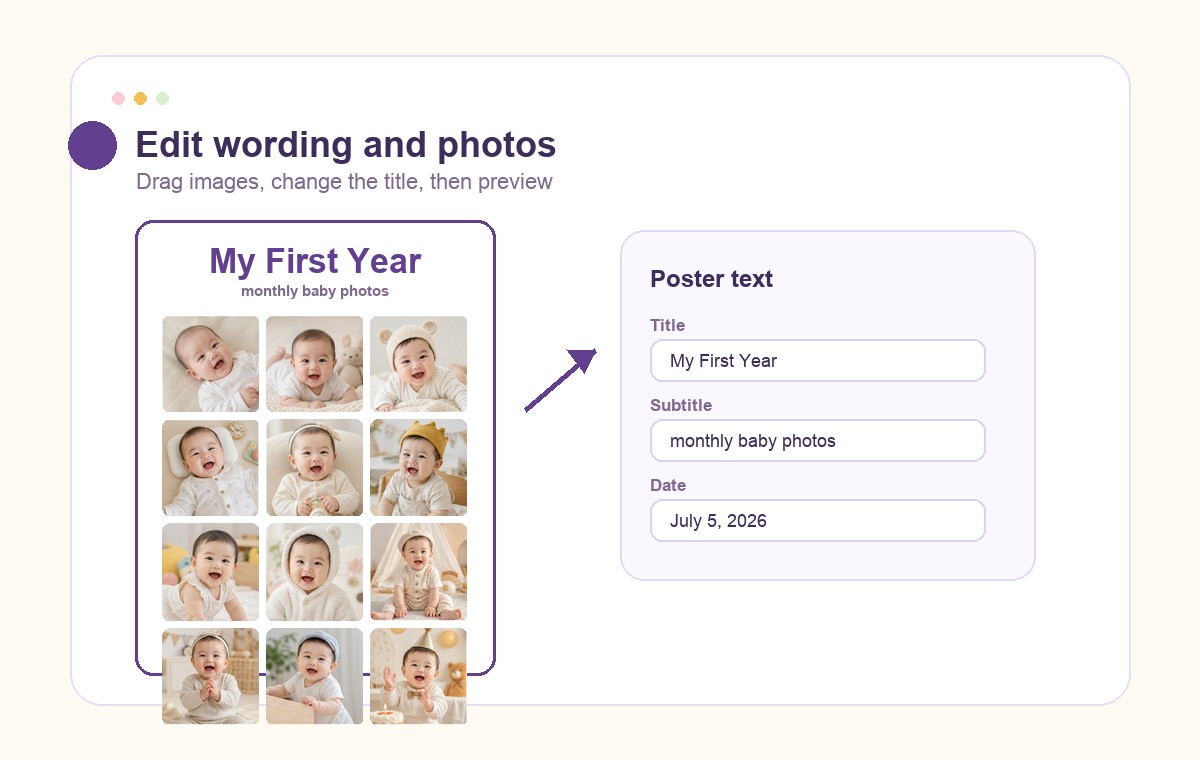
Change the title, subtitle, date, note, and month labels so the image feels like your family’s keepsake.
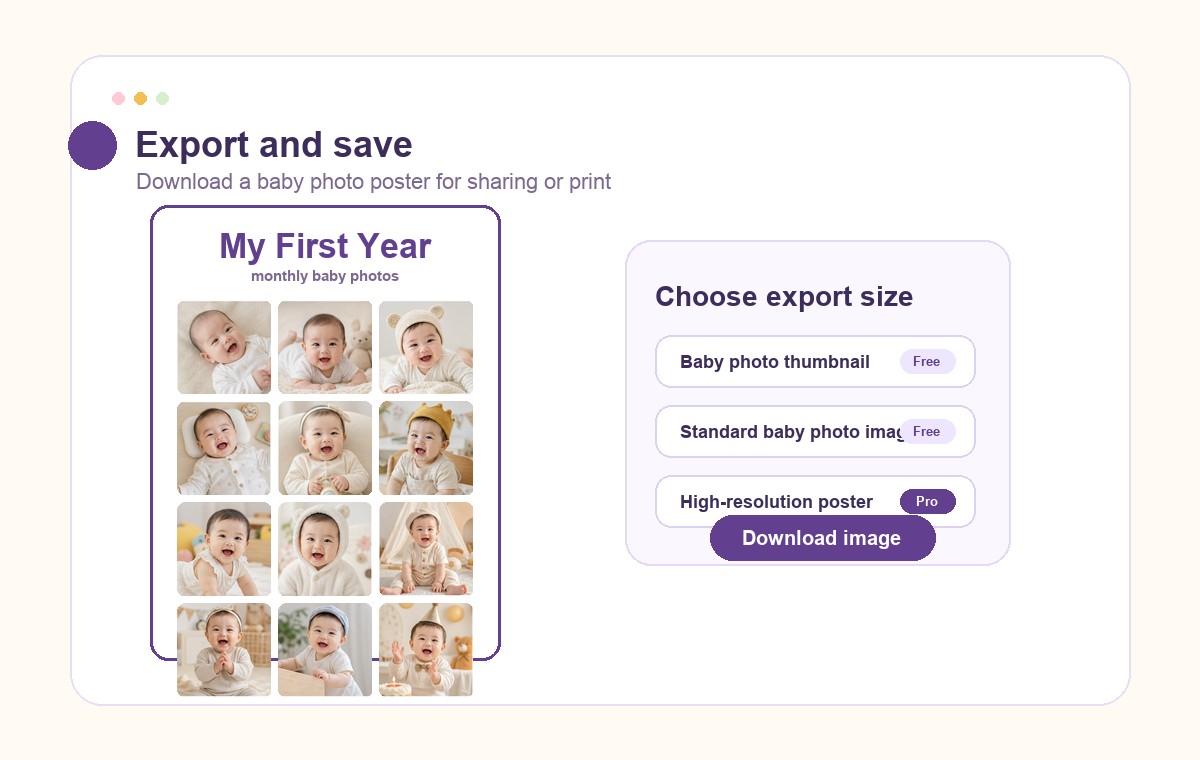
Save a PNG for sharing, printing, party displays, frames, or a last-minute birthday table sign.
start with photos
No login required. Photos stay in your browser while you place them, label the months, and export a first birthday collage.
where to use it
Designed for first birthday party posters, welcome tables, milestone boards, framed keepsakes, and family photo sharing.
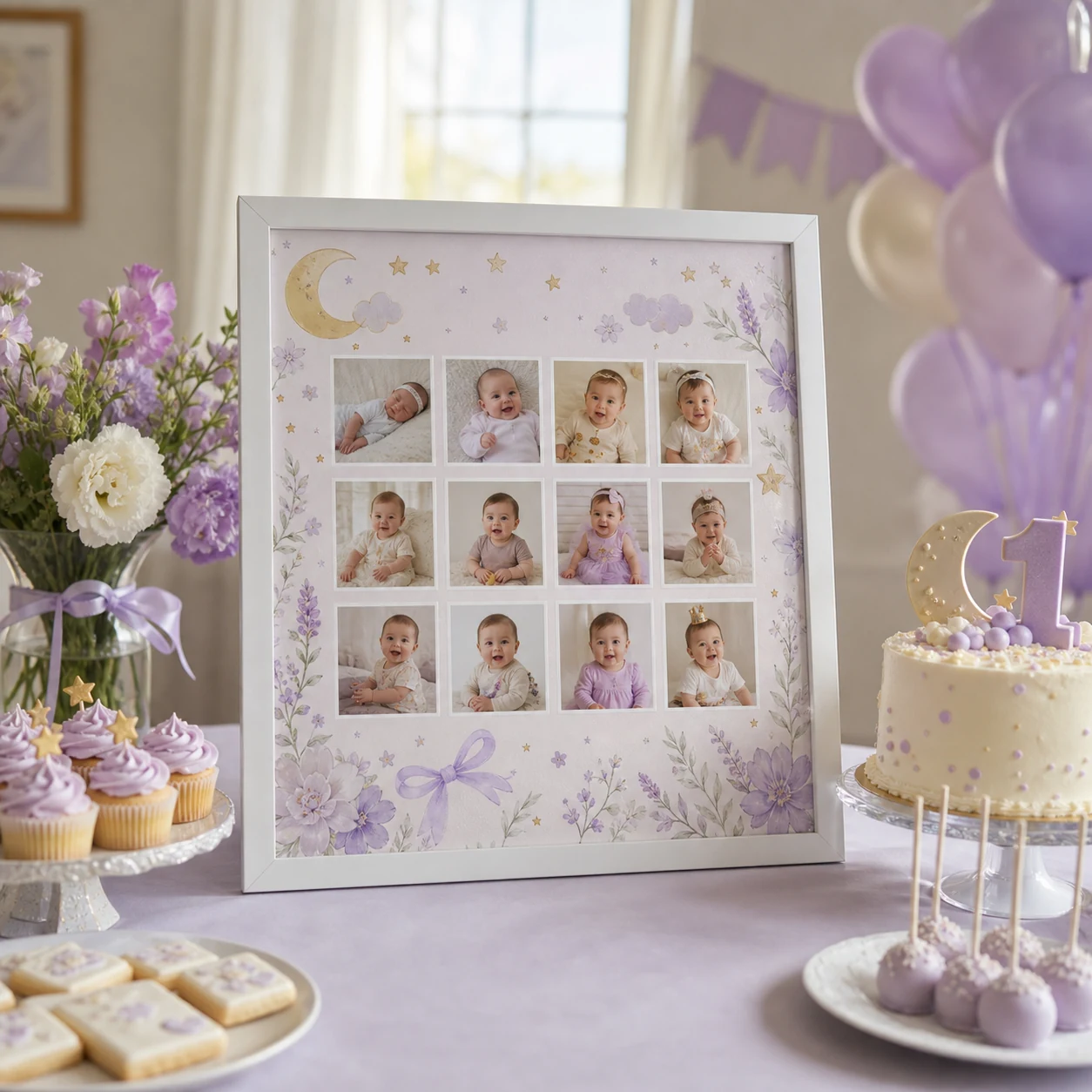
Place it on the welcome table, backdrop, or party entrance so guests can see the baby’s first-year journey.
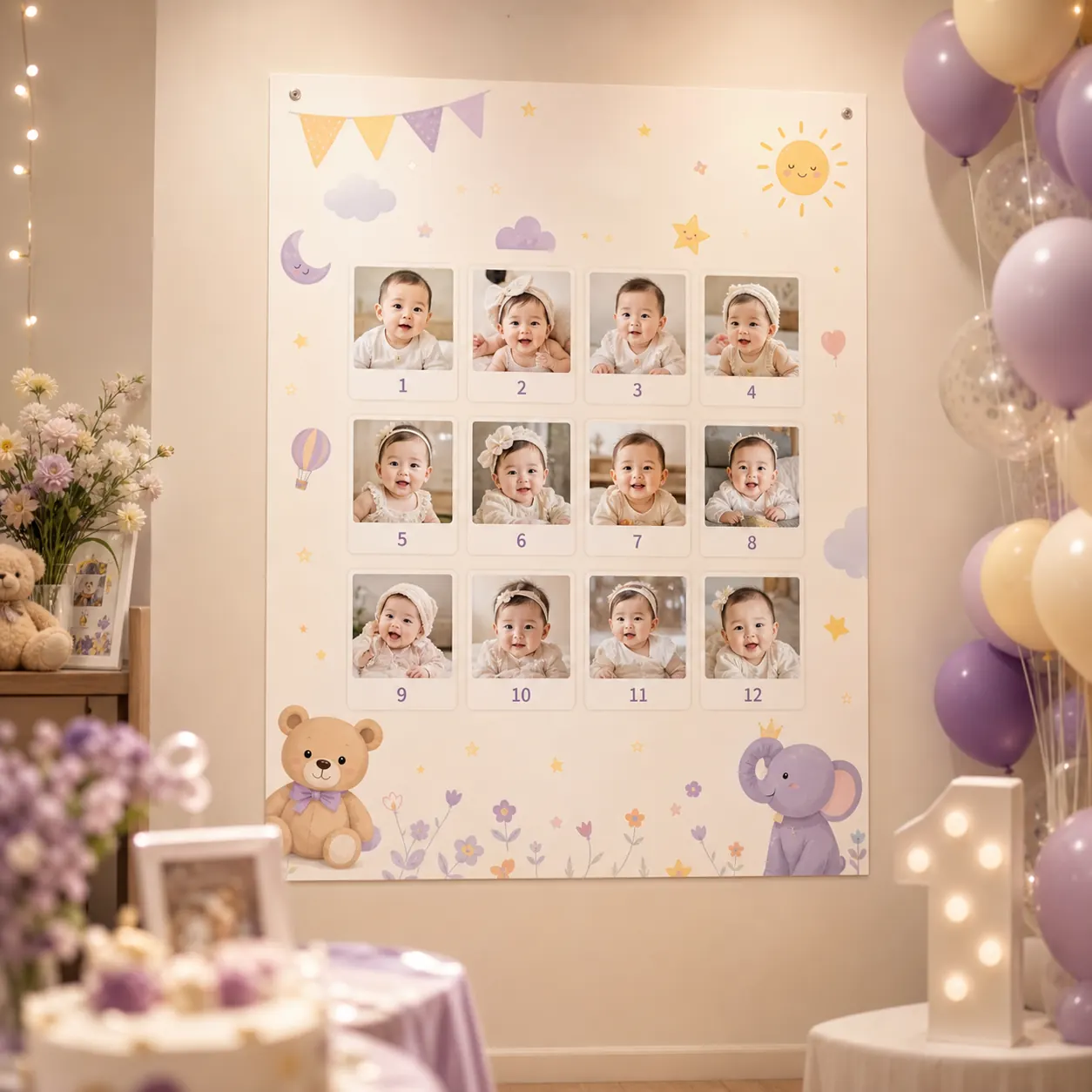
Turn first-year photos into a polished milestone poster that is easy to keep and print.
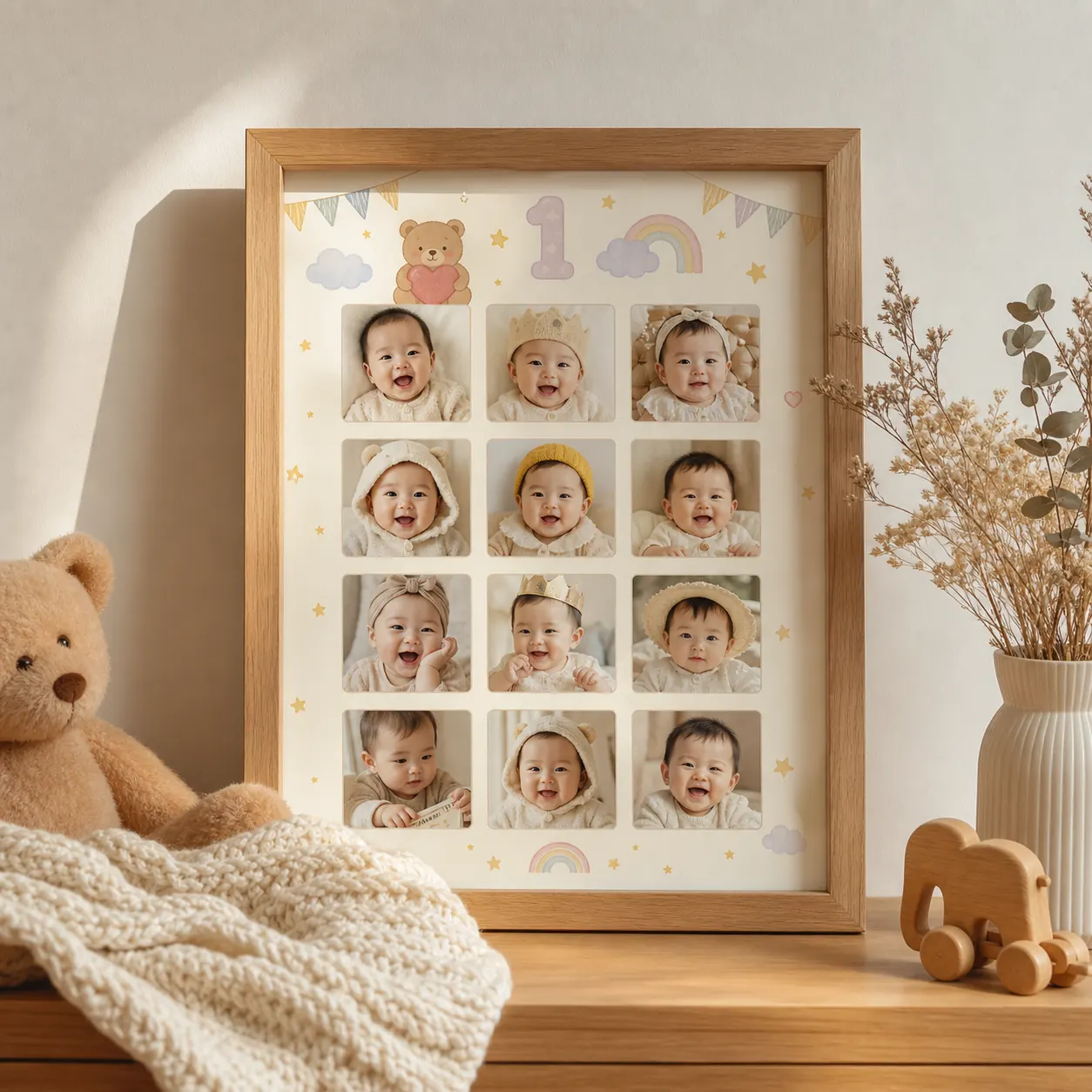
Use the exported image for a frame, family photo wall, or keepsake gift for grandparents.
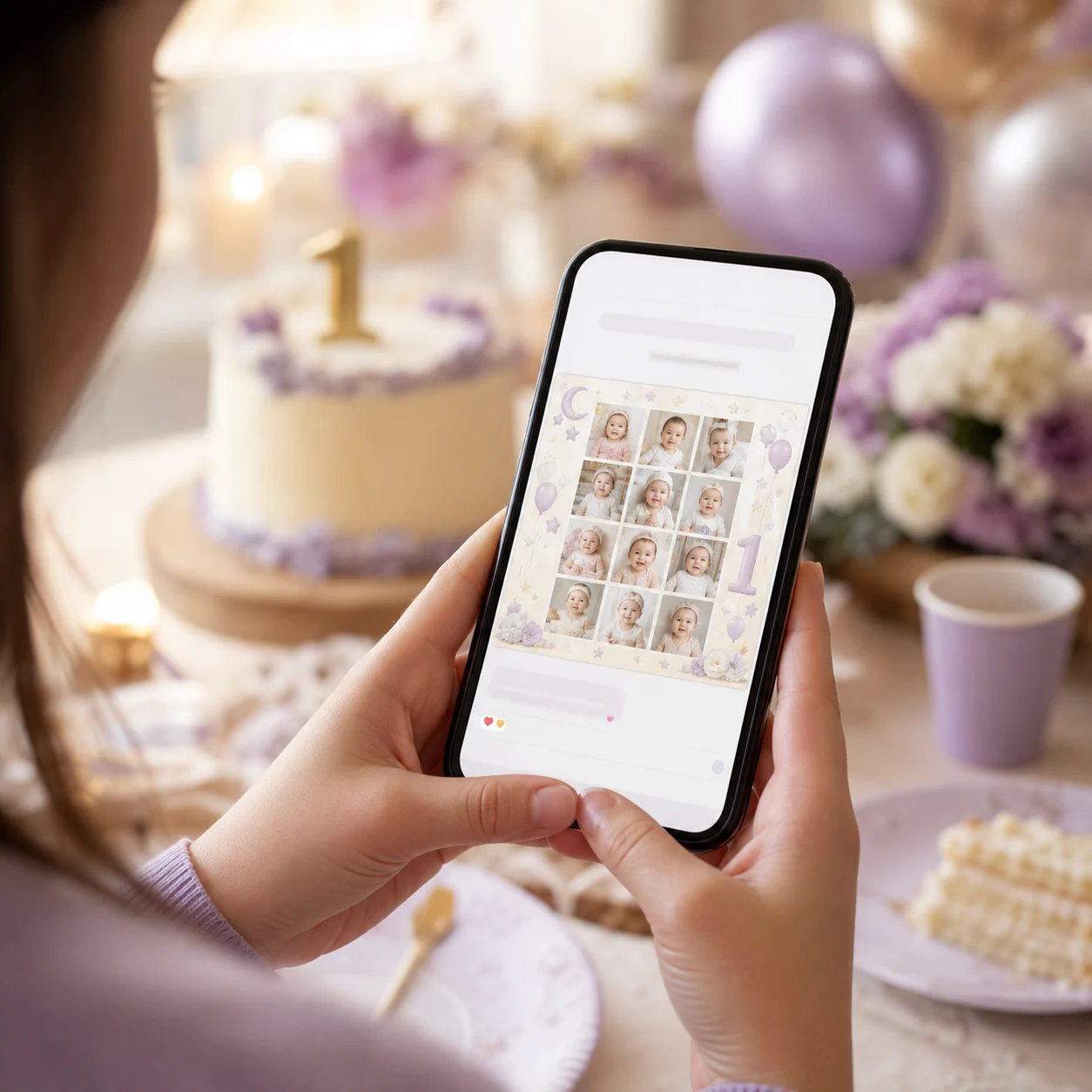
Share a birthday photo collage with family, friends, or social followers.
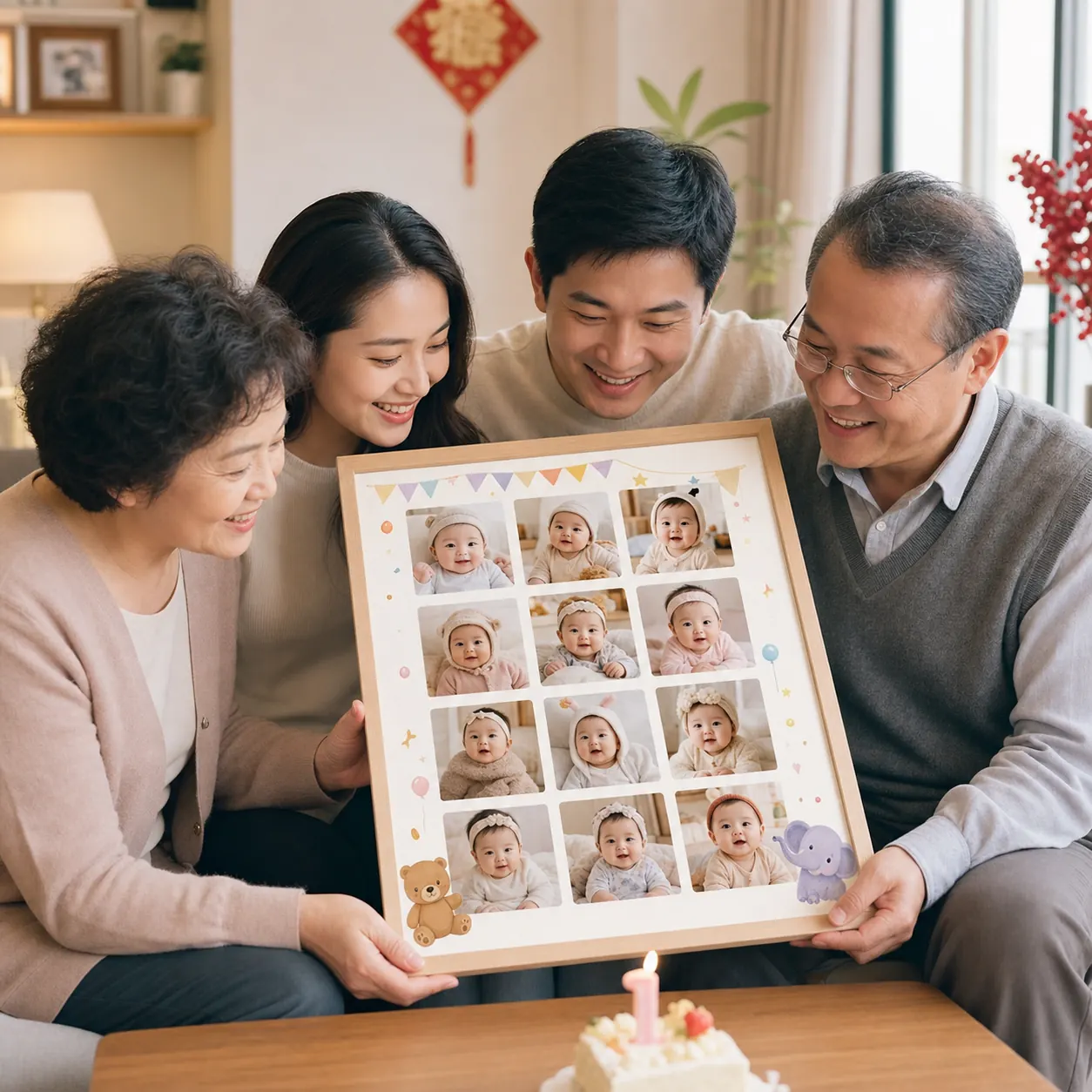
Prepare a meaningful baby photo gift for parents, grandparents, and close family.
user stories
Built for the week before a birthday, when the hard part is choosing photos and getting one finished image out.
“I had so many photos on my phone. This helped me choose the best moments, edit the title and message, and print a frame-ready poster.”
“I remembered the collage on the birthday morning. Upload, adjust the layout, export, done.”
“It is a useful add-on for first birthday photo clients. A milestone poster makes the photo package feel more complete.”
“A first year milestone poster is a common party need. It feels more ceremonial than a basic collage.”
FAQ
Yes. The milestone grid uses the first 12 photos by default. The number collage uses the photo slots needed for the number shape.
No. Photos are previewed and processed in your browser. No login or upload is required.
Yes. Supported ratios include 16:9, 9:16, 4:3, 3:4, and 1:1. The default is 1:1.
Yes. Choose 1:1, A4 landscape, A4 portrait, 4:5, 9:16, or 16:9, then export a PNG for party displays, frames, or keepsake images.
Guides
Practical guides for first year birthday photo ideas, monthly baby pictures, milestone photos, and first birthday photo collages.
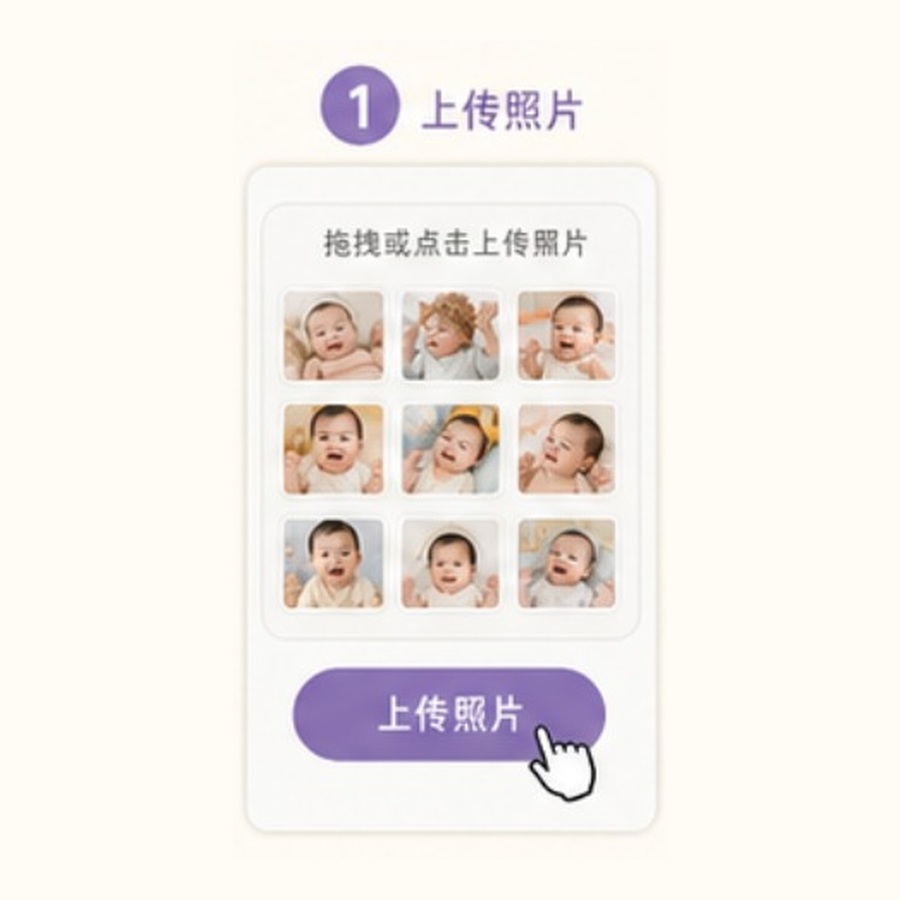
Photo ideas for the birthday table, monthly pictures, home shots, and a finished first birthday collage.

A practical photo selection method for parents with a full camera roll and a deadline.
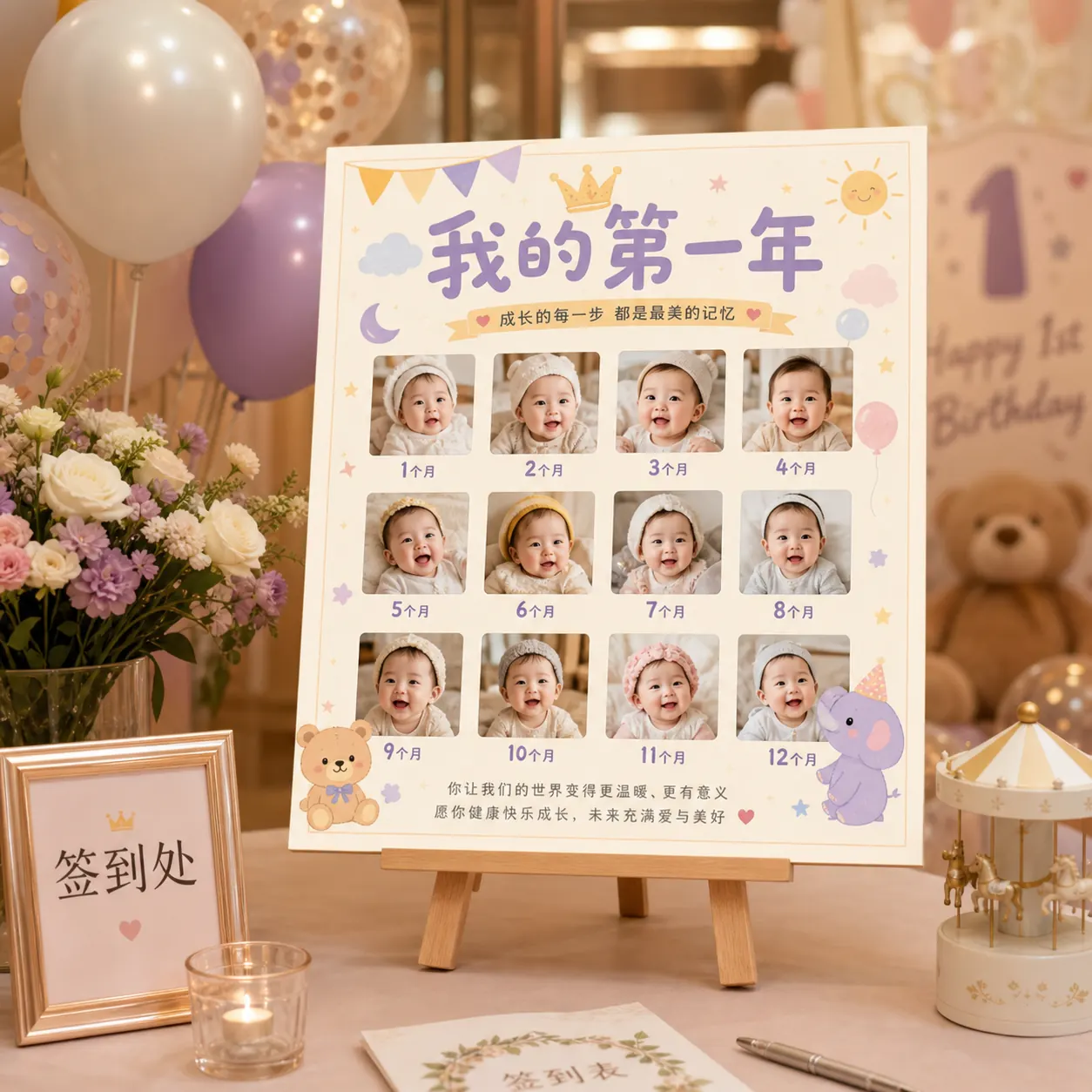
Choose the right output size for welcome tables, backdrops, party displays, and frames.

Use baby milestone photos to form the number 1 for a birthday poster, social cover, or keepsake gift.
Prepare a finished keepsake image for frames, party displays, family gifts, and birthday sharing.
Ideas for monthly photo displays, number photo collages, and keepsake gifts.
Pricing
Free covers simple sharing. Pro unlocks every template style, high-resolution exports, and polished birthday displays for print, frames, and party screens.
For quick family sharing and trying the photo layout before the party.
For one birthday project when you want premium templates and a clean print-ready export.
For families who want to make more baby photo posters, seasonal prints, and keepsakes through the year.
Upload the photos, place the months, edit the words, and save a first birthday collage when it looks right.
Choose an image size for your use case. Thumbnail is for quick previews, standard is for sharing, and the Pro high-resolution option is for print and display.